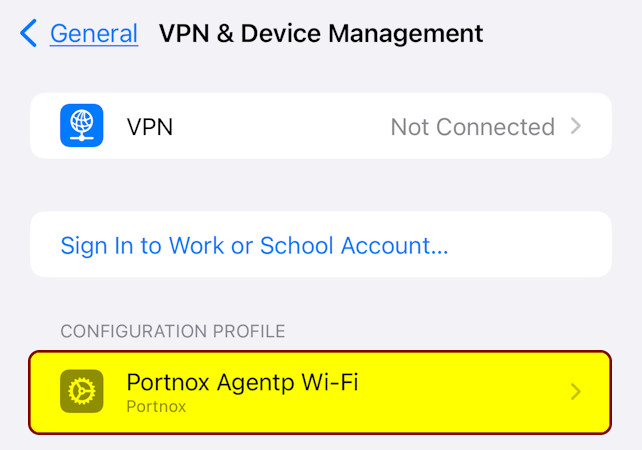
Installing AgentP on BYOD iPhones with iOS 17
Read this page to learn how to access your company applications if they are protected by Portnox™ Cloud products.
To access your protected company applications, you must do the following:
-
Get Portnox AgentP from the App Store.
-
Log in to the Portnox AgentP app using your company credentials.
-
Use AgentP to download a profile that contains your certificate and install that profile.
-
Select your certificate when accessing the company application through the browser.
These steps are described in detail in the sections below:
Download and install Portnox AgentP
First, you must get the Portnox AgentP app from the App Store. AgentP will communicate with Portnox Cloud and generate a profile for your iPhone.
-
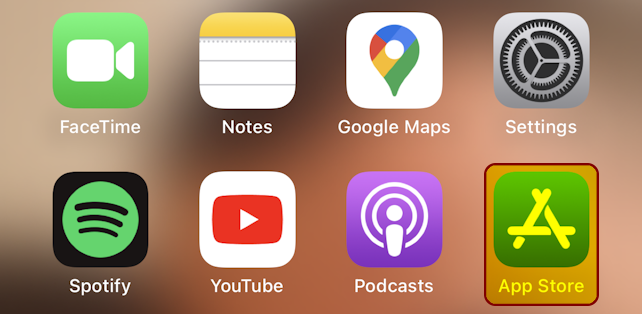
Tap on the App Store icon on your Home Screen to open the App Store.
-
On the bottom bar of the App Store, tap on Search.

-
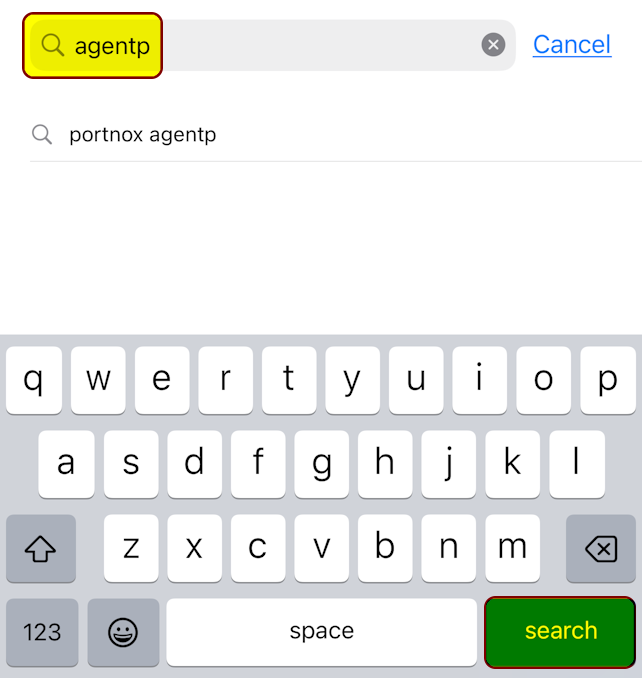
In the search field, type agentp and then tap on
Search.
-
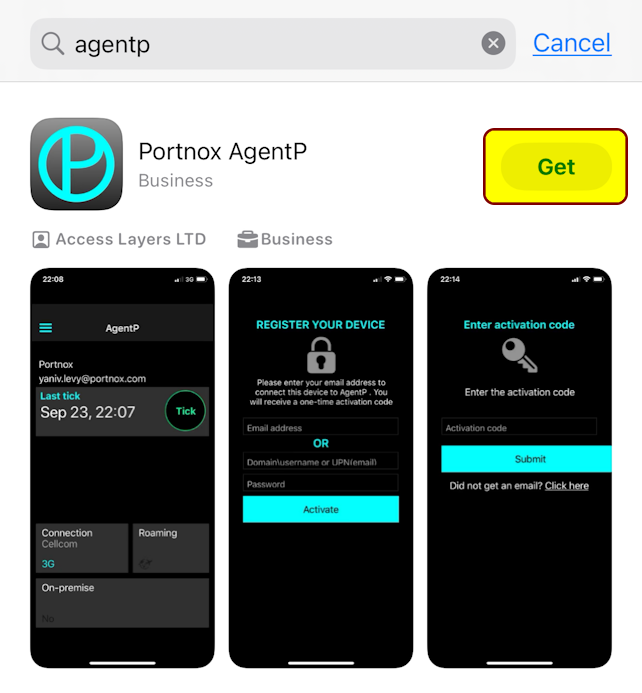
When the App Store shows the Portnox AgentP entry, tap on Get.
-
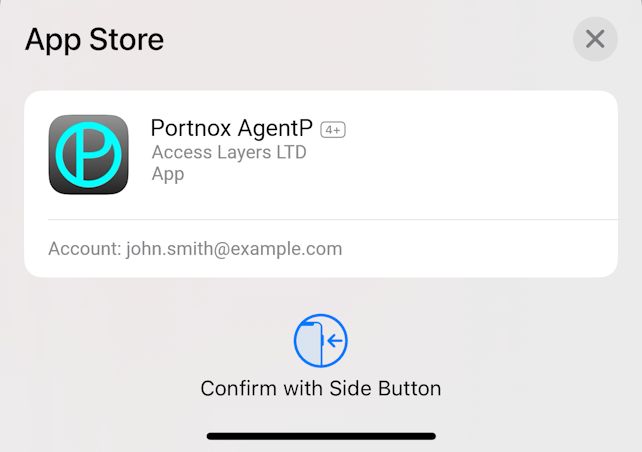
Confirm that you want to install the Portnox AgentP app.
-
Tap on Open next to the Portnox AgentP app entry.
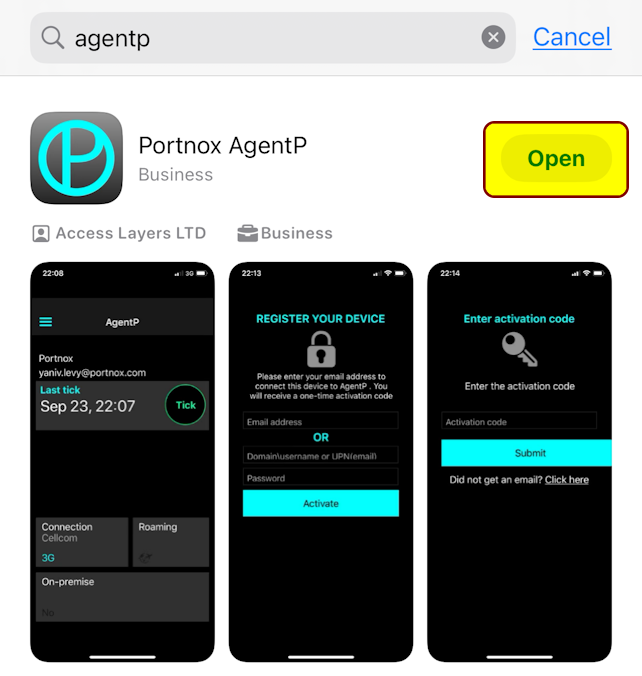
Result: The Portnox AgentP is installed on your iPhone.
Log in to Portnox AgentP using your company credentials
After you download and install the Portnox AgentP application, run it and log in to it using your regular company credentials.
-
If the Portnox AgentP application is not running, run it manually: tap on
AgentP on the Home Screen.
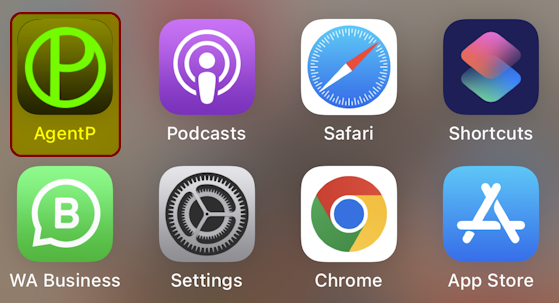
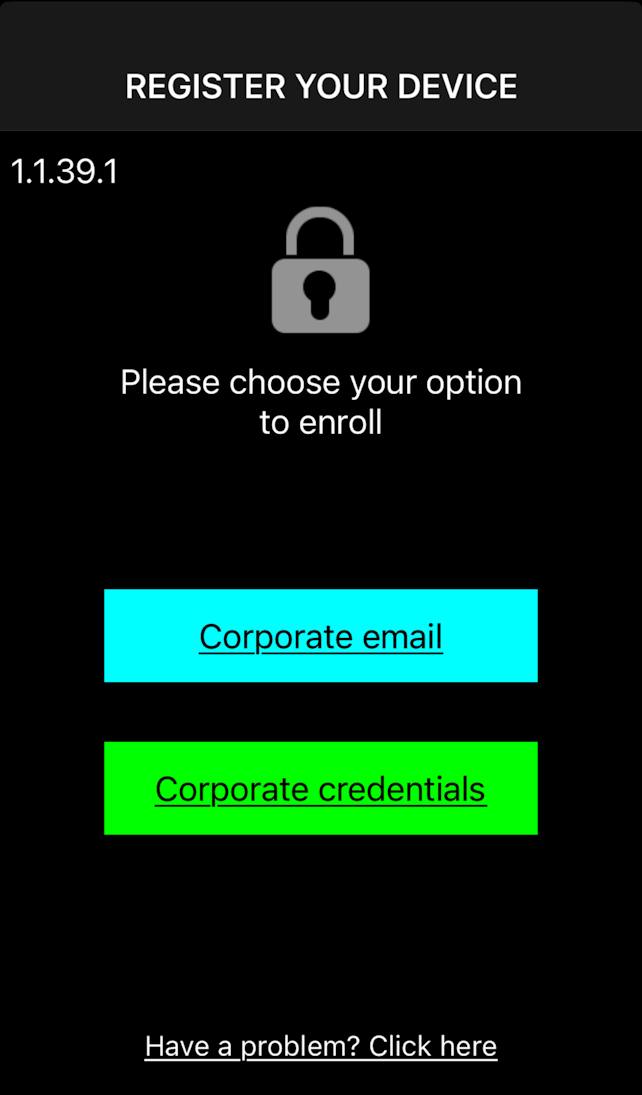
Result: If you haven’t configured AgentP before or if you configured and deactivated it, it opens the Register your device screen.
-
On the Register your device screen, tap on Corporate
credentials.
-
On the Corporate credentials screen, follow the steps depending on how you
normally log in to your company applications.
- If your company uses Microsoft Azure for its employees, tap on Azure.
- If your company uses Google Workspace for its employees, tap on G Suite.
- If your company uses Okta Workforce Identity for its employees, tap on Okta.
- If you don’t recall hearing any of these platform names before when logging in to your company apps, consult with your company’s IT support staff or enter your company email and password in the Domain\username or email and Password fields and then tap on Activate.
-
If an alert appears asking if you want AgentP to send you
notifications, tap on Allow.
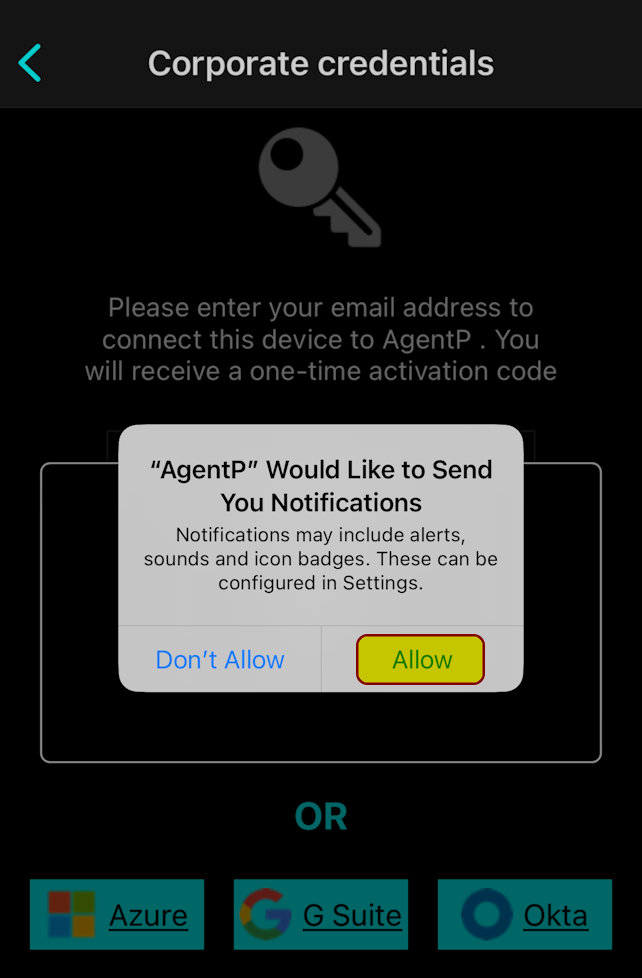
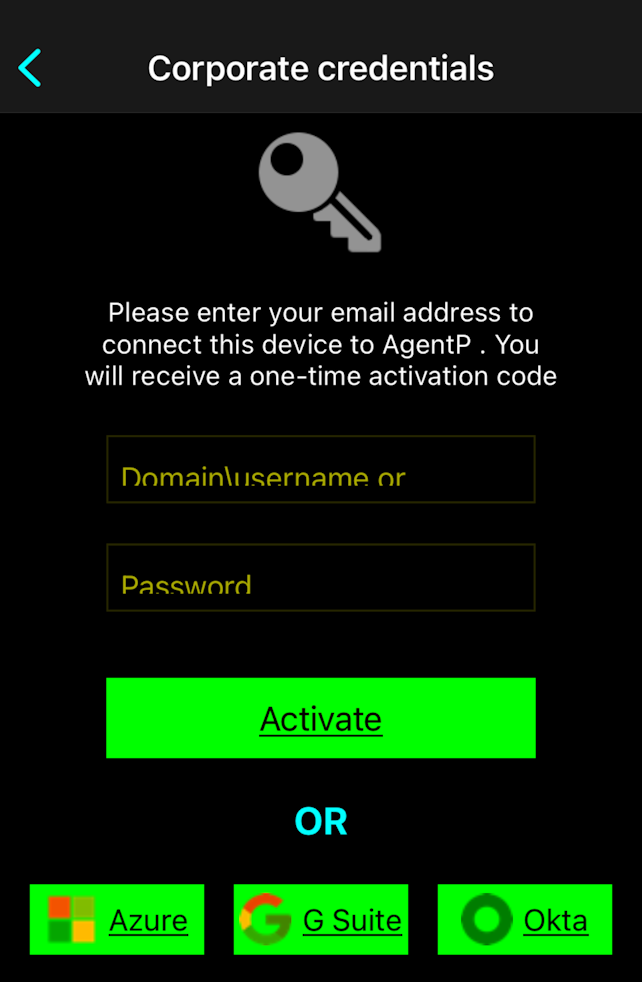 Important:The following steps and screenshots assume that your company uses Microsoft Azure, which is the most popular platform. These steps will look similar if your company uses other platforms.
 -
If your company uses Azure, on the Sign in screen, enter your business email
address. Then, tap on Next.
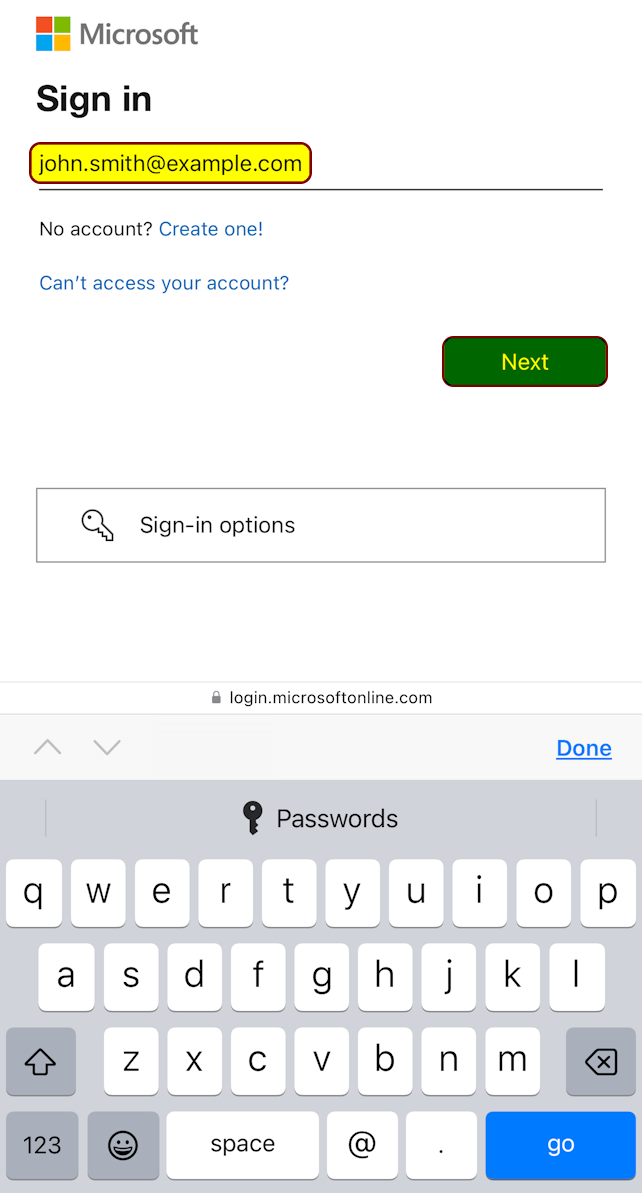 Note:The screenshot above is an example, where your company name is Example and your company domain is example.com. Use your real business email address instead.
Troubleshooting: If you see a button with your email address on it, it means you are already logged in to Microsoft Azure. Tap on that button instead of entering your email address.
-
If your company uses Azure, on the Enter password screen, enter the password
that you normally use to access your company email and applications. Then, tap on Sign
in.
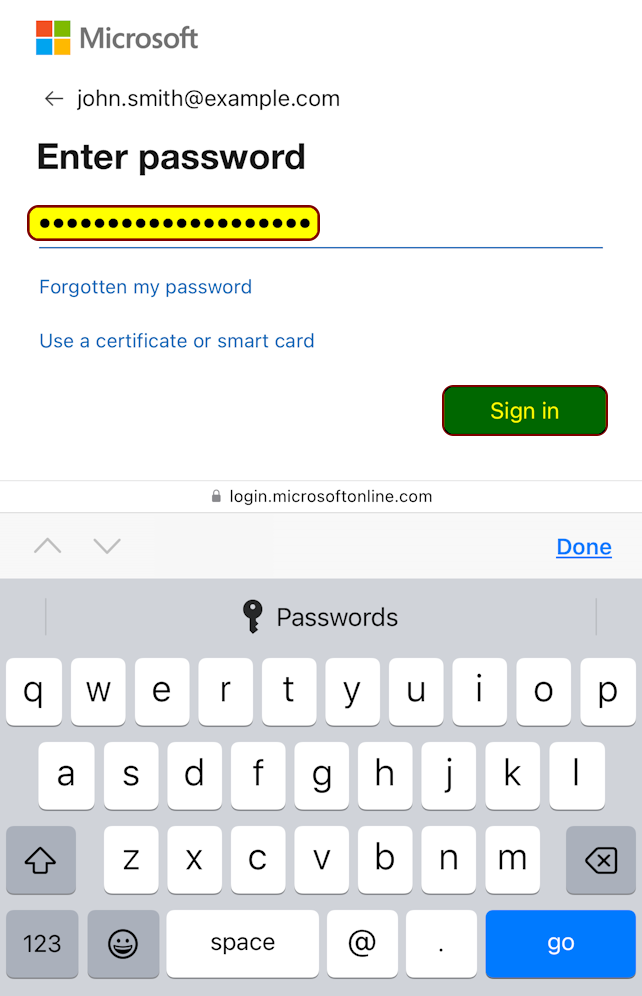
Troubleshooting: If you cannot log in, and you are sure that your password is correct, go back to the Register your device step and try a different choice or ask your company’s IT support staff what platform your company uses to authenticate the employees.
-
If your company uses Azure, and a Stay signed in? window
appears, follow the company policy and/or your preferences to choose Yes or
No.
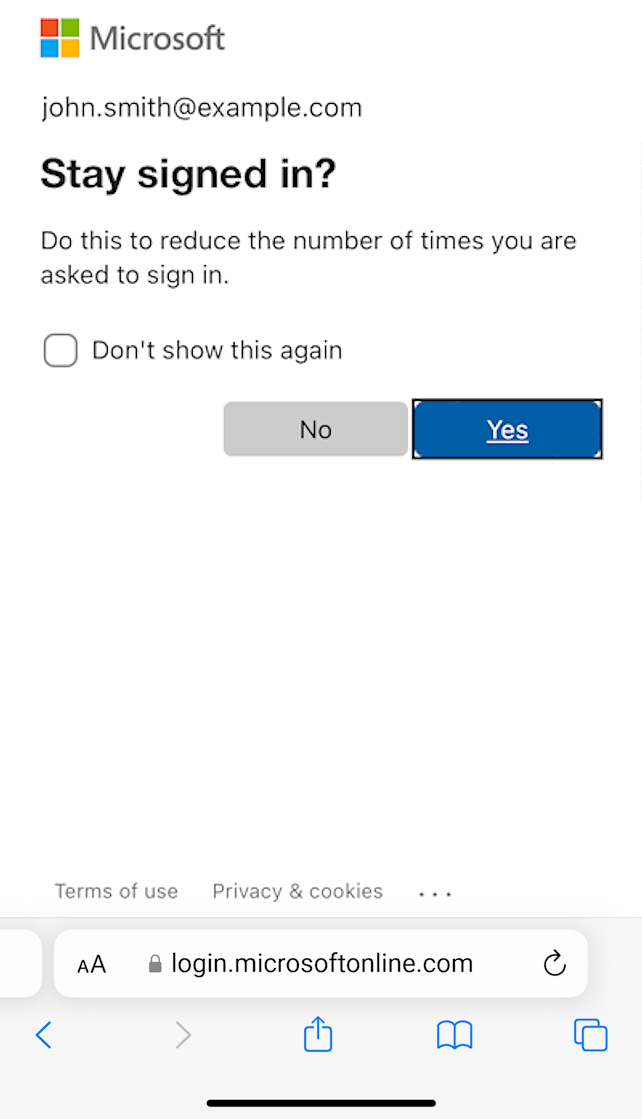 Note:Your choice will not affect your access to applications but if you choose No, you may have to log in again the next time you will be accessing the applications.
 -
Tap on the AgentP notification or switch back to AgentP to continue enrollment.
 Important:If the notification disappears, access your iPhone’s notification area and tap on the notification. If you simply close the browser window or tap on ◀ AgentP in the top-left corner to go back to AgentP, enrollment will fail.
-
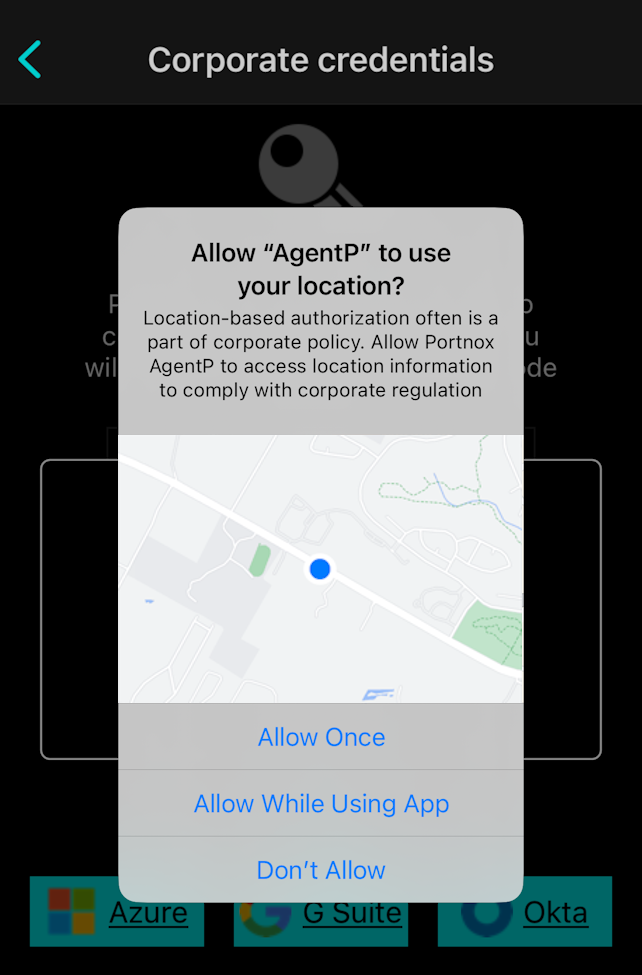
If an alert appears asking if you want to allow AgentP to use your
location, follow the company policy.
We recommend that you choose the Allow While Using App option in case your company uses your location to verify compliance with security policies. If you are not sure that you want to allow such permissions, consult with your company’s IT support staff.
-
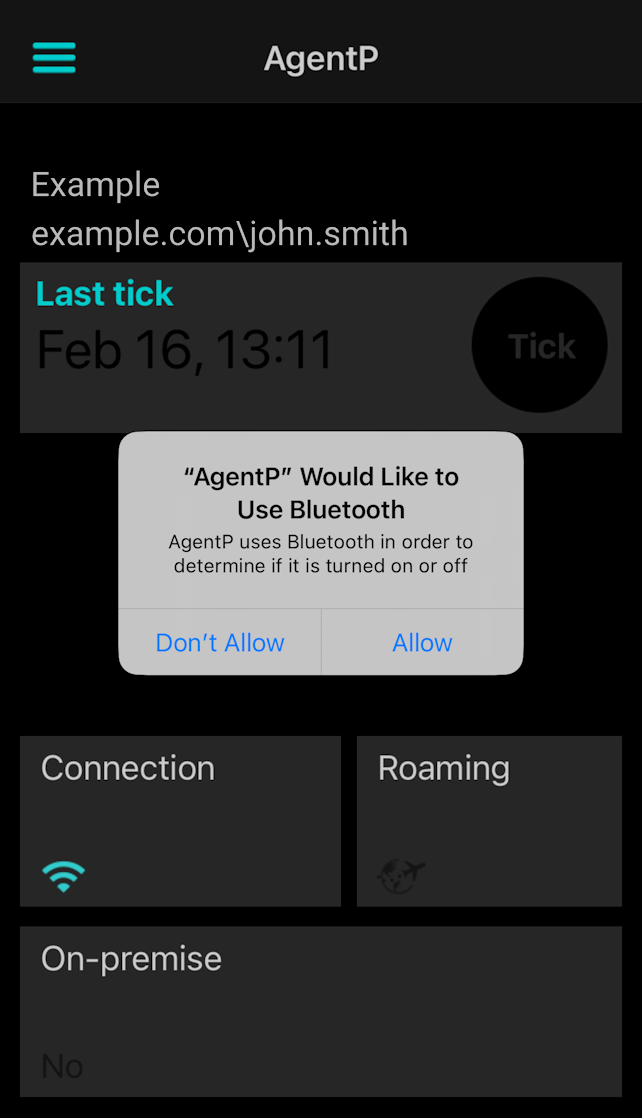
If an alert appears asking if you want to allow AgentP to use
Bluetooth, follow the company policy.
We recommend that you choose the OK option in case your company uses your Bluetooth status to verify compliance with security policies. If you are not sure that you want to allow such permissions, consult with your company’s IT support staff.
-
If an alert appears asking if you want to allow AgentP to use your
location, follow the company policy.
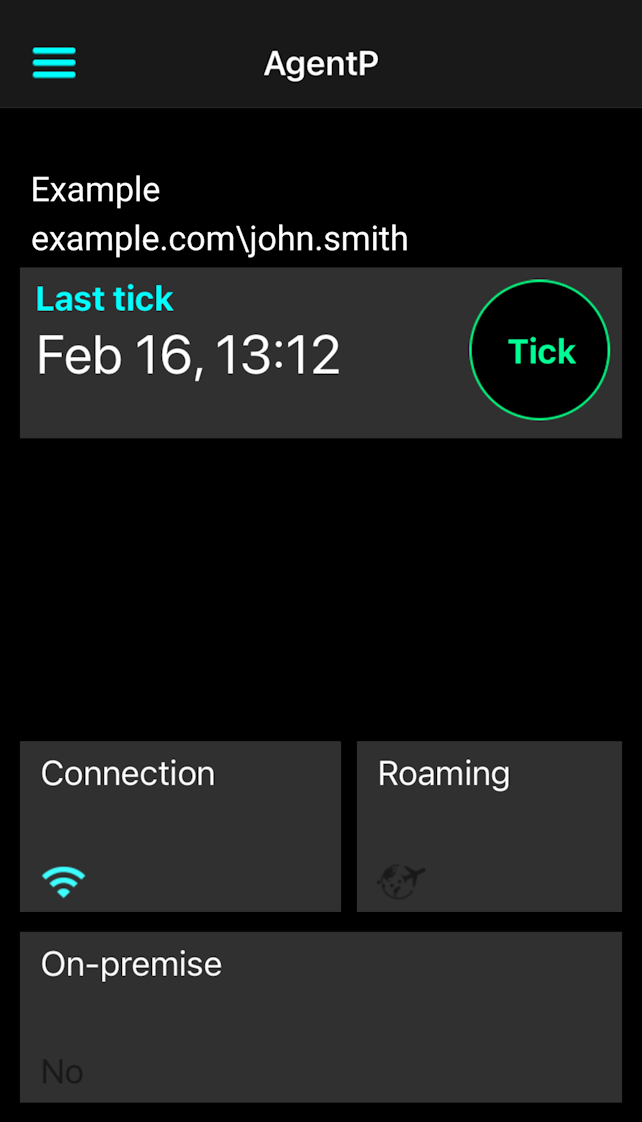
Result: You are logged in to Portnox AgentP.
Download and install the profile
To give your device the certificate needed to access your applications, AgentP communicates with Portnox Cloud to generate the certificate and include it a profile. You must download and install this profile to have the certificate on your device.
-
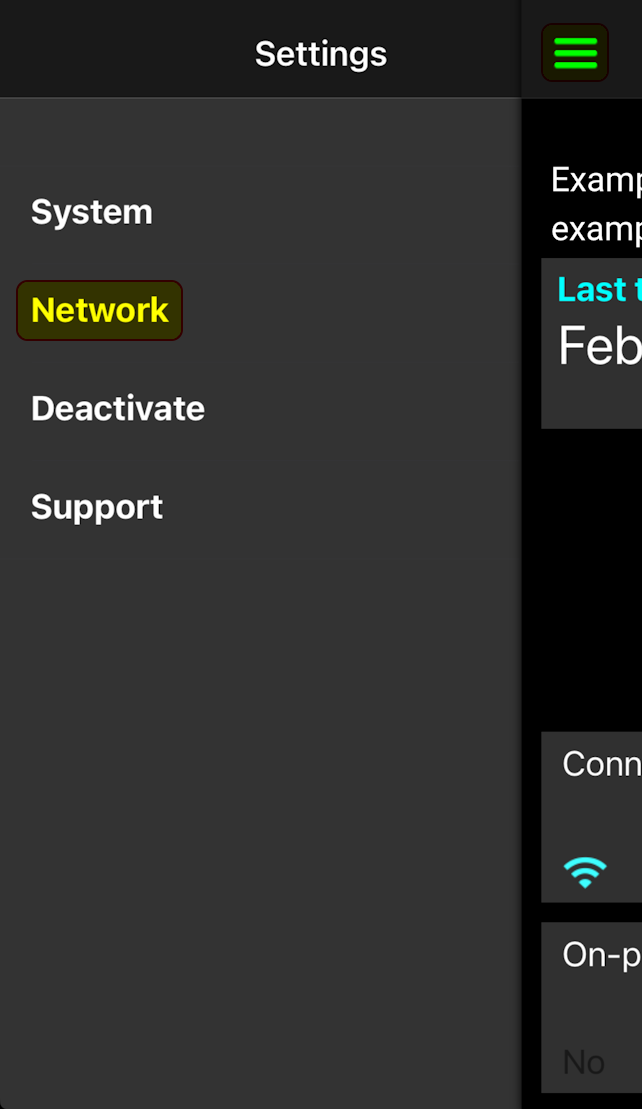
On the AgentP app screen, tap on the menu icon in the top-left corner, and then tap on
Network.
-
On the Network screen, tap on Configure in the top
menu bar.
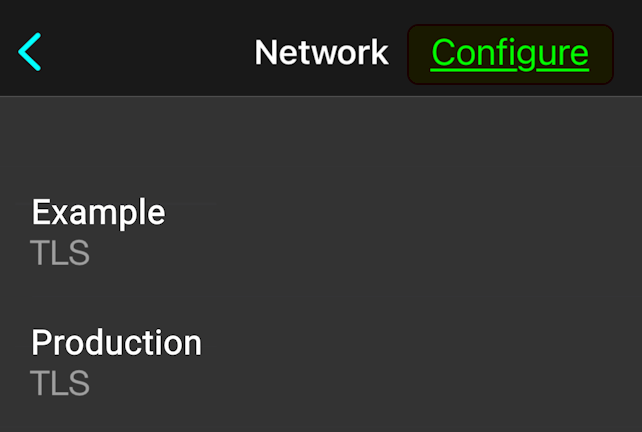
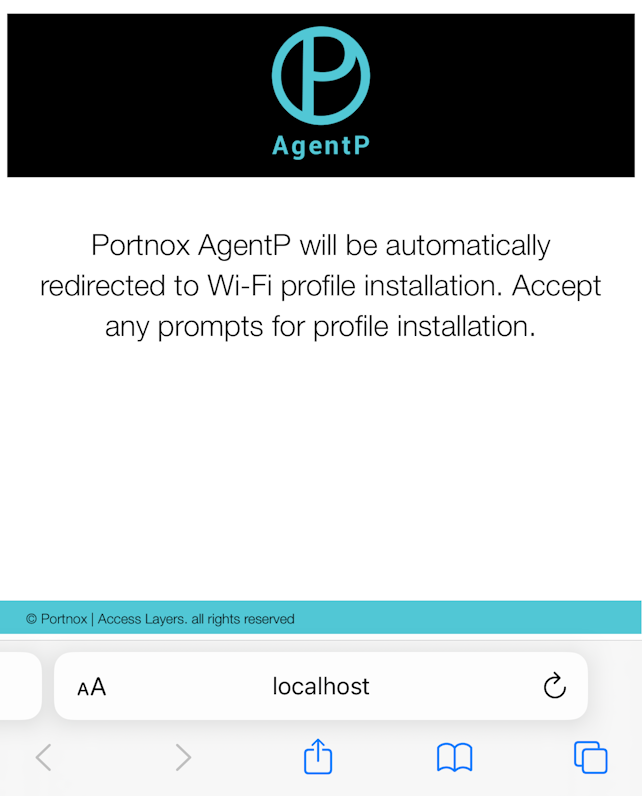
Result: The Portnox server creates the profile, ready to be downloaded and installed.
-
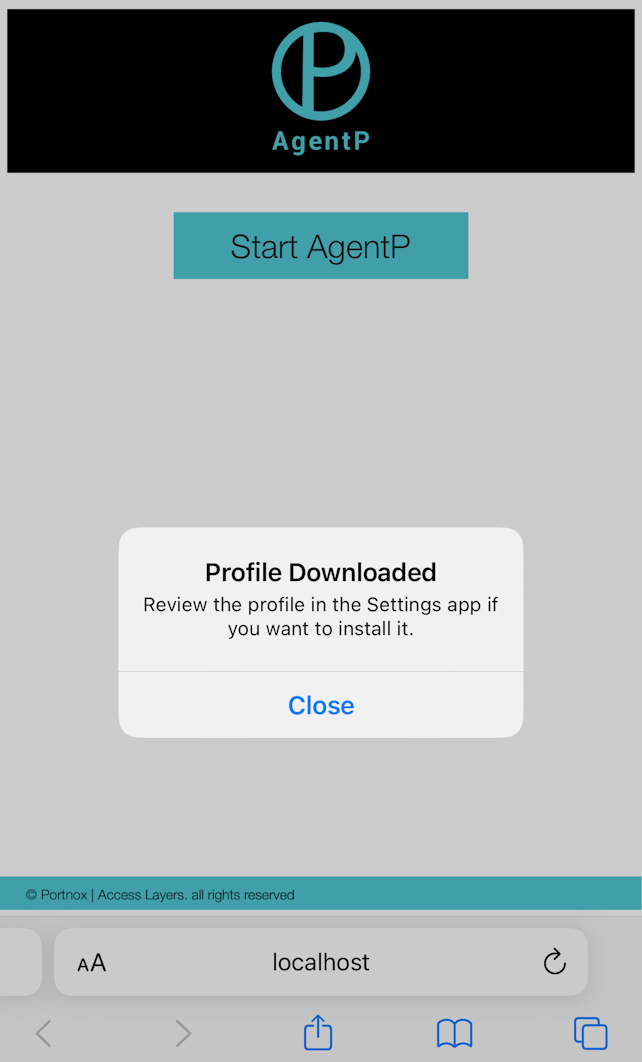
In the alert about downloading a configuration profile, tap on Allow.
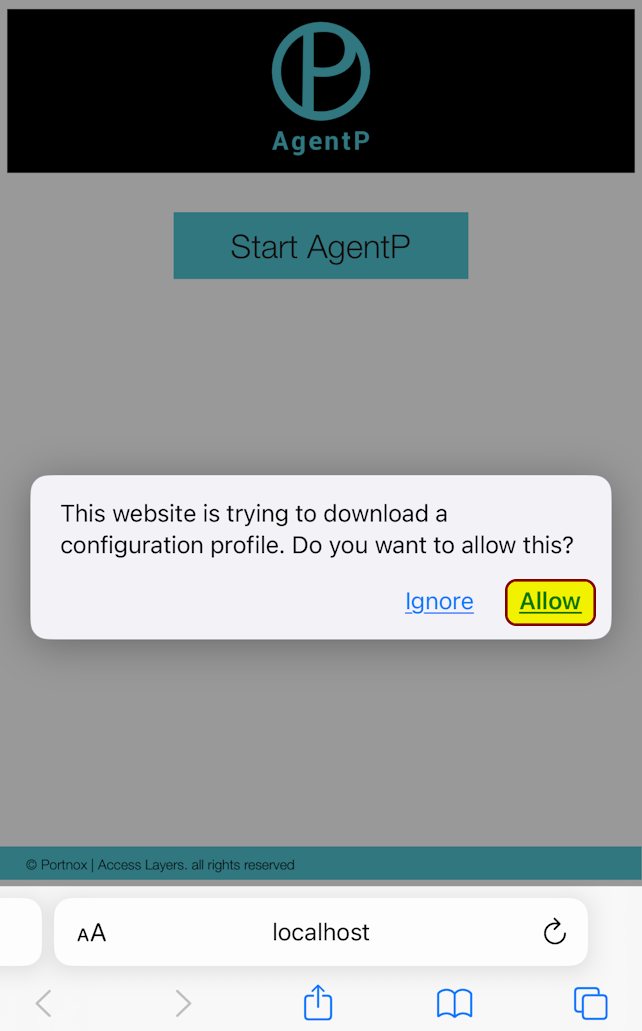
Result: Your iPhone downloads the profile. You need to install it now.
-
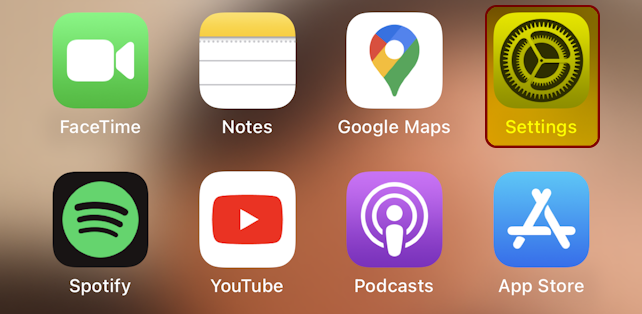
Go back to your Home screen. Find the Settings app and tap on its icon.
-
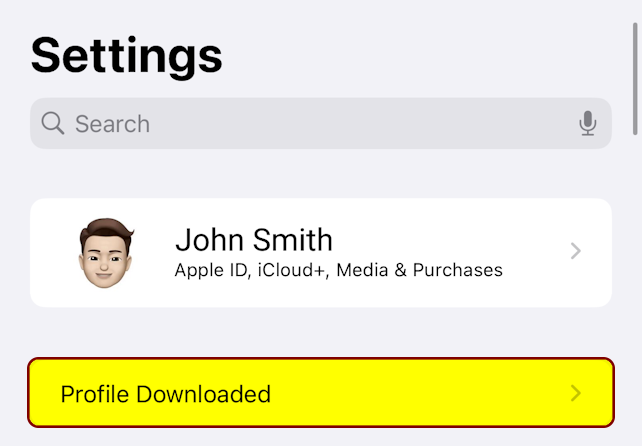
In the Settings app, tap on Profile Downloaded.
-
On the Install Profile screen, tap on Install.
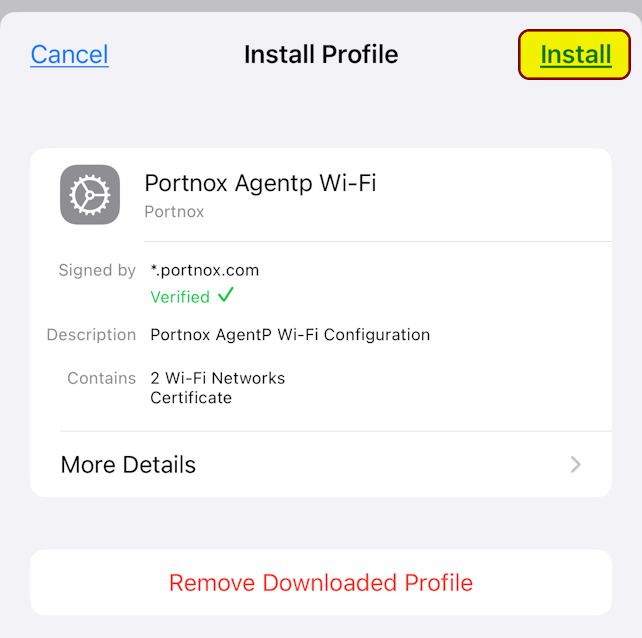
- Optional: If an alert appears, asking you to enter your iPhone passcode to confirm, enter your passcode.
-
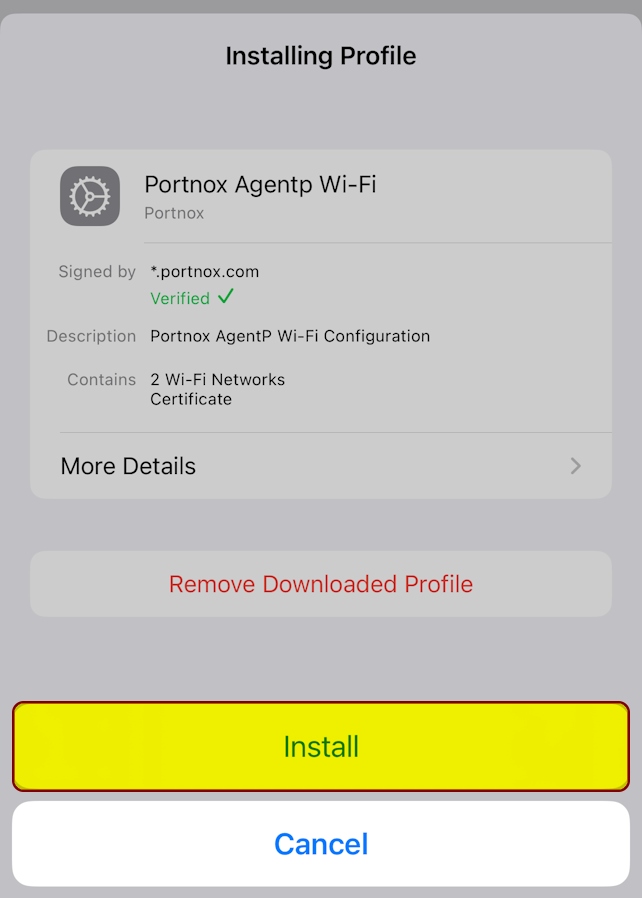
On the Installing Profile screen, tap on Install.
-
On the Profile Installed screen, tap on Done.
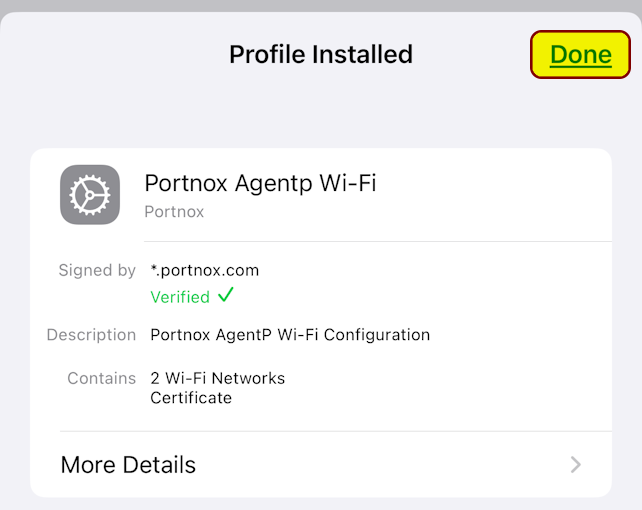
Result: You installed the profile. Your iPhone now has the certificate that’s needed to access your company apps.