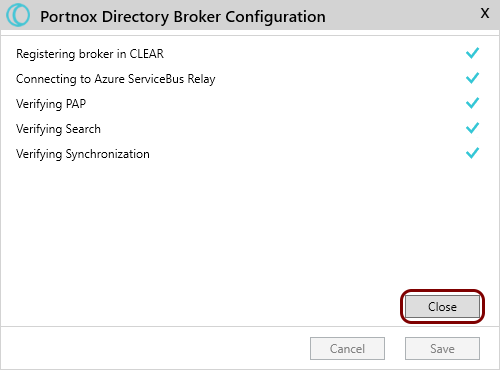
How to update LDAP Broker configuration after credential change
In this topic, you will learn how to update the Portnox™ LDAP Broker configuration after you changed the access credentials to Portnox Cloud.
Update Cloud credentials
Open a command line window on the machine with the LDAP Broker and run the following commands:
cd "C:\Program Files (x86)\Portnox\Centraal LDAP Broker"ADBrokerConfigurator.exe -a -c new_username -s new_access_tokenUpdate AD/LDAP credentials
-
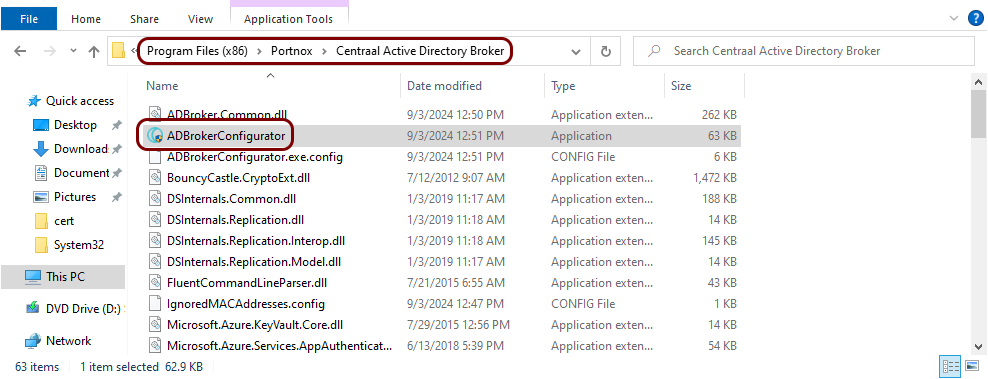
In this directory, find the file called ADBrokerConfigurator.exe and double click on it to run
the LDAP Broker Configurator application.
-
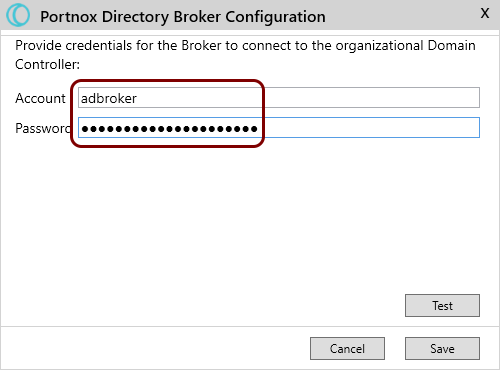
In the Portnox Directory Broker Configuration window, update the
Account and Password fields as required.
- Optional:
Click on the Test button to test your connection.