
How to find application names for risk assessment policies?
In this topic, you will learn how to find application names for risk assessment policies on Windows, macOS, Linux, Android, iOS, and via Portnox Cloud.
Microsoft Windows applications
Result: You will see a list of the names of running applications. Copy the required names and paste them into the risk assessment policy attribute.
macOS applications
Result: You will see a list of the names of running applications. Copy the required names and paste them into the risk assessment policy attribute.
Android applications
Linux applications
Result: You will see a list of the names of installed applications. Copy the required names and paste them into the risk assessment policy attribute.
iOS applications
- Open the Settings app, and then go to .
- Scroll down the list and note down the names of the apps that you require.
Using Portnox Cloud
-
In the top-right corner, next to the device name, click on the 🗎
icon

-
In the DEVICE DETAILS window, click on the APPLICATIONS tab
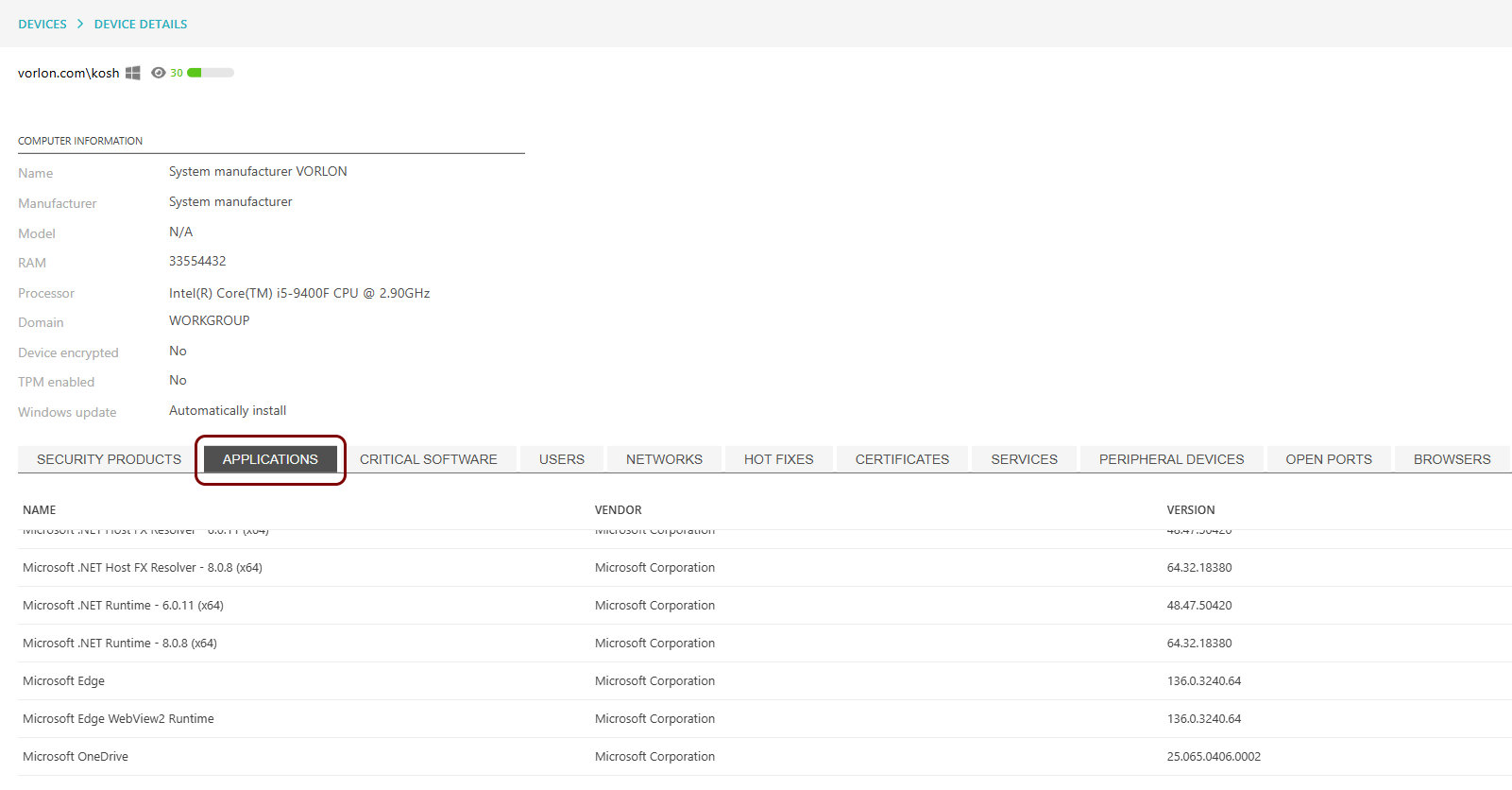
Result: You will see a list of application names. Write down required application names and enter them in the risk assessment policy attribute.