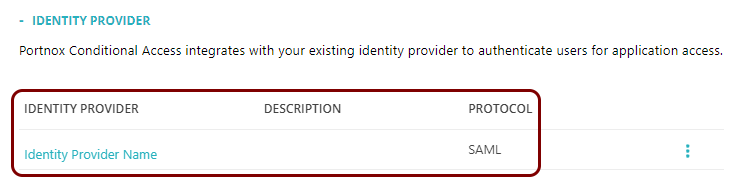
Add an identity provider for ZTNA
In this topic, you will find general instructions on how to add an identity provider that will be used by Portnox™ ZTNA for SSO-enabled web applications.
Create a new identity provider configuration in Portnox Cloud
In this section, you will create a new identity provider configuration in Portnox Cloud
-
In the Cloud portal top menu, click on the Settings option.

-
In the Cloud portal left-hand side menu, click on the menu option.

-
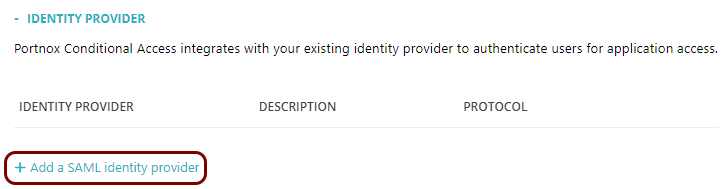
Click on the Add a new identity provider link and select the Add a SAML identity
provider option.
-
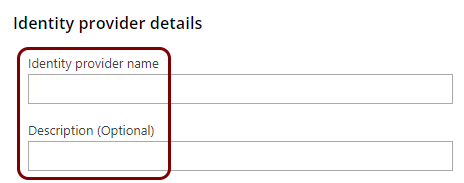
In the Identity provider details section, enter an
Identity provider name and optionally a Description.
Create a new identity provider application
In this section, you will access the administrative interface of your identity provider, and use it to create a new application that will handle integration with Portnox Cloud.
Copy configuration values from the Portnox tab to the provider tab
In this section, you will copy the values displayed by Portnox Cloud and paste them in the relevant fields in the identity provider application setup section.
-
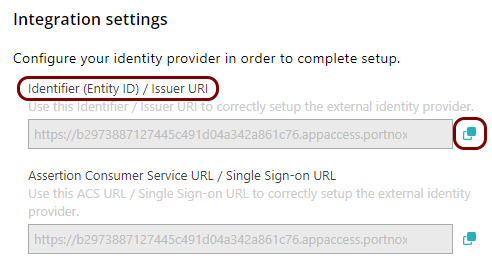
In the Portnox tab, in the Integration settings section, click on the ⧉ icon next to the Identifier (Entity ID) / Issuer URI
field to copy the value.
-
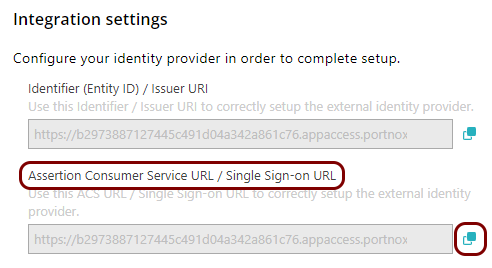
In the Portnox tab, in the Integration settings section, click on the ⧉ icon next to the Assertion Consumer Service URL / Single Sign-on
URL field to copy the value.
Copy configuration values from the provider tab to the Portnox tab
In this section, you will copy the values displayed by the identity provider application setup section and paste them in the relevant fields in Portnox Cloud.
-
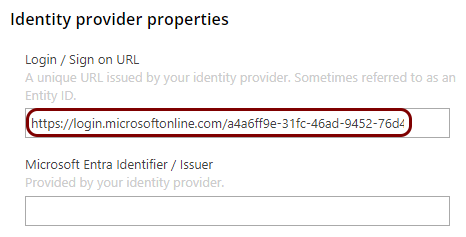
In the Portnox tab, in the Identity provider properties section, click on the empty field
under the Login / Sign on URL heading and paste the copied value.
-
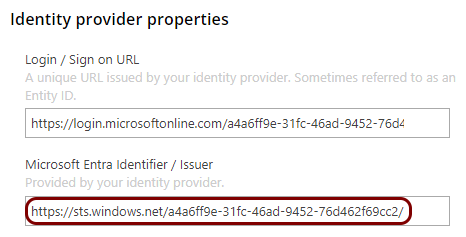
In the Portnox tab, in the Identity provider properties section, click on the empty field
under the Microsoft Entra Identifier / Issuer heading and paste the copied value .
-
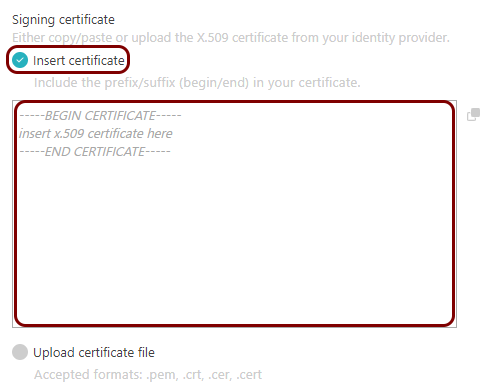
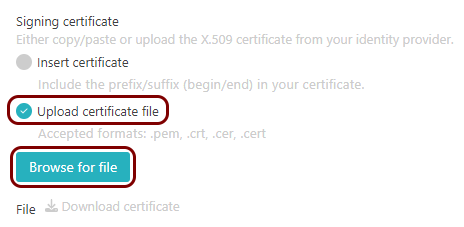
In the Portnox tab, in the section, click on the Add certificate link and select the Insert
certificate option if you copied the Base64 certificate, or the Upload certificate
file option if you downloaded a certificate file, and then follow up accordingly to paste the
certificate content or upload the certificate file.
-
When finished, in the Portnox tab, click on the Save and close button.
Set up SAML attribute mapping
Set up the mapping between user attributes in the identity provider repository and attributes in the SAML assertion.
Result: You have added an identity provider for Portnox ZTNA.