
Onboard macOS devices with AgentP using Kandji
In this topic, you will learn how to deploy Portnox™ AgentP on managed macOS devices by using Kandji.
There are two options to deploy AgentP on managed macOS devices using Kandji:
- Onboard devices using SCEP certificates and use AgentP for risk assessment only (recommended)
- Deploy AgentP and have the users onboard manually
If you choose the first option, begin by completing the steps in the following topic: Onboard macOS devices with certificates using Kandji and SCEP. Then, continue with steps in the current topic.
Get issuer information from Portnox Cloud
In this task, you will copy the issuer name from the Portnox™ Cloud portal, so you can use it later when creating a configuration script for AgentP.
-
In the Cloud portal top menu, click on the Settings option.

-
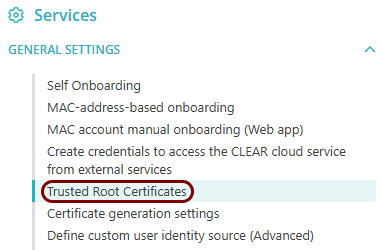
In the Cloud portal left-hand side menu, click on the option.
-
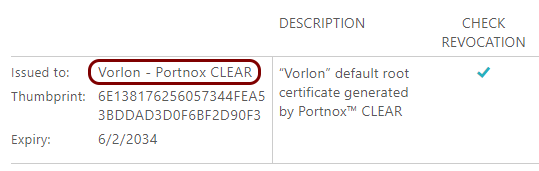
In the Trusted Root Certificates section, copy the value of the Issued
to field in this section to a text file.
Add the AgentP installation package to Kandji
In this task, you will download the Portnox™ AgentP installation package for macOS and upload it to a Kandji custom app profile to be later distributed to managed macOS devices.
-
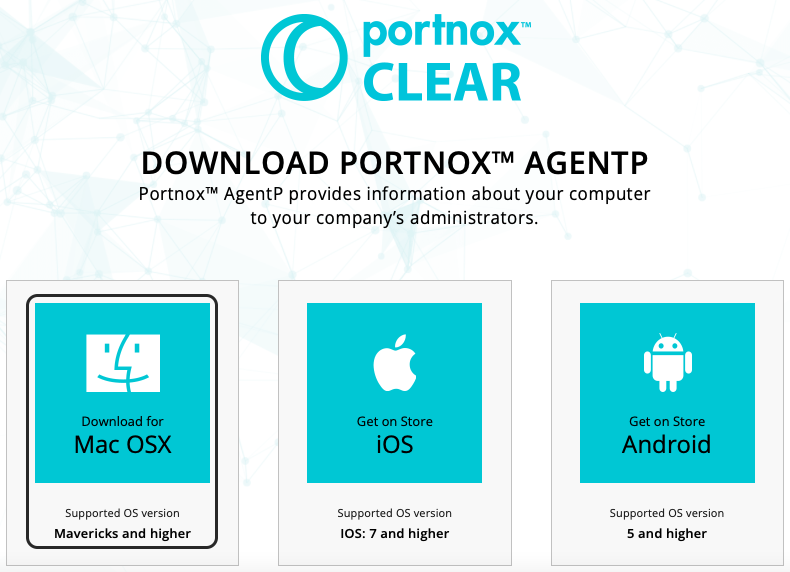
Click on the tile that represents the macOS system to download the AgentP installer.
-
In the Kandji main menu, click on the LIBRARY option.

Kandji shows the Library pane on the right-hand side.
-
In the top-right corner of the Library pane, click on the Add Library
Item button.

Kandji shows the Add Library item pane on the right-hand side.
-
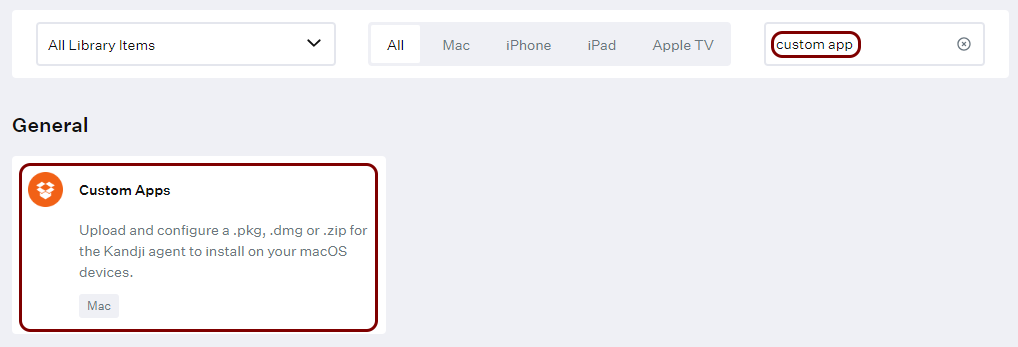
In the Add Library item pane, in the Search box on the right-hand
side, start typing custom app and then click on the Custom Apps tile
in the General section.
-
Click on the Custom App tile, and then in the bottom-right corner, click on the
Add & Configure button.
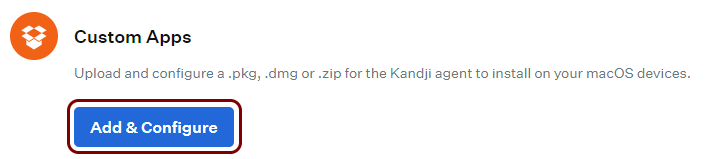
Kandji shows the Custom App pane on the right-hand side.
-
In the Add a title field on top of the Custom App pane, enter the
name for the new custom app profile.
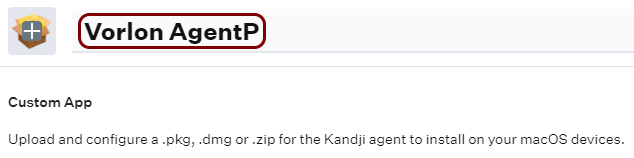
We used the name Vorlon AgentP but you can use any name you like.
-
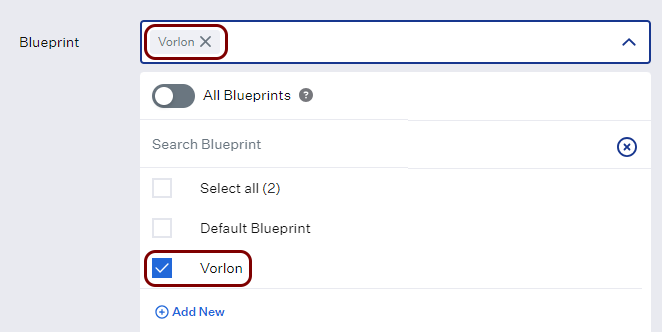
In the Blueprint field, click on the Assign button to select the
blueprint (assignment map) that you created earlier.
-
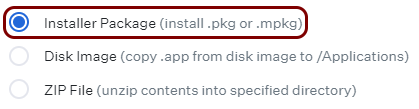
In the Install Details section, select the Installer Package
option.
-
Click on the click to upload link below, and select the AgentP installation package file
that you downloaded earlier (PortnoxAgentP.pkg).

-
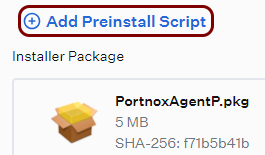
Click on the Add Preinstall Script button above the icon that symbolizes the package you
just uploaded.
-
Adjust values of any other fields if necessary and then click on the Save button in the
bottom-right corner of the Custom App configuration pane.